
Office staff
Review applications, plan assessments, issue NCs and certificates, and see every case's next step.
Loading…
AMS runs the whole cycle: your own application forms, a step-by-step workflow, assessments and NCs, committee decisions, certificates and surveillance. Your office, clients, assessors and committee each get the view they need.
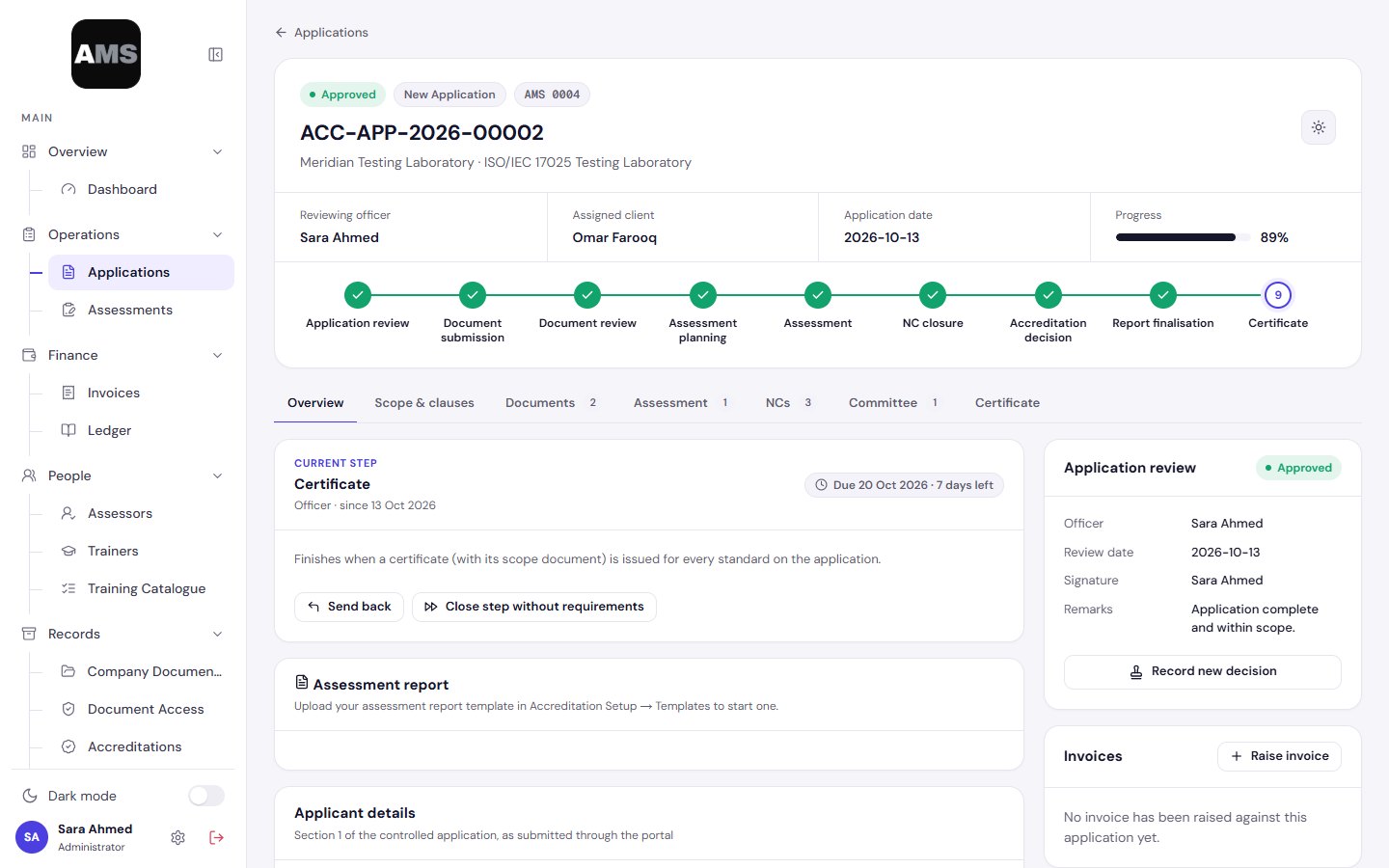
Review applications, plan assessments, issue NCs and certificates, and see every case's next step.
Apply online, upload evidence, answer NCs and follow their case without chasing emails.
Accept assignments, write the report and raise NCs from their own workspace.
Read a clean decision pack and vote, with conflicts of interest declared on record.
Nine steps from application to certificate. Each knows who acts next and when it is done. Click any step, or watch it run.
The office checks the application, its scope and the agreement, then records the decision. Approval closes the step by itself and issues the client's file number.
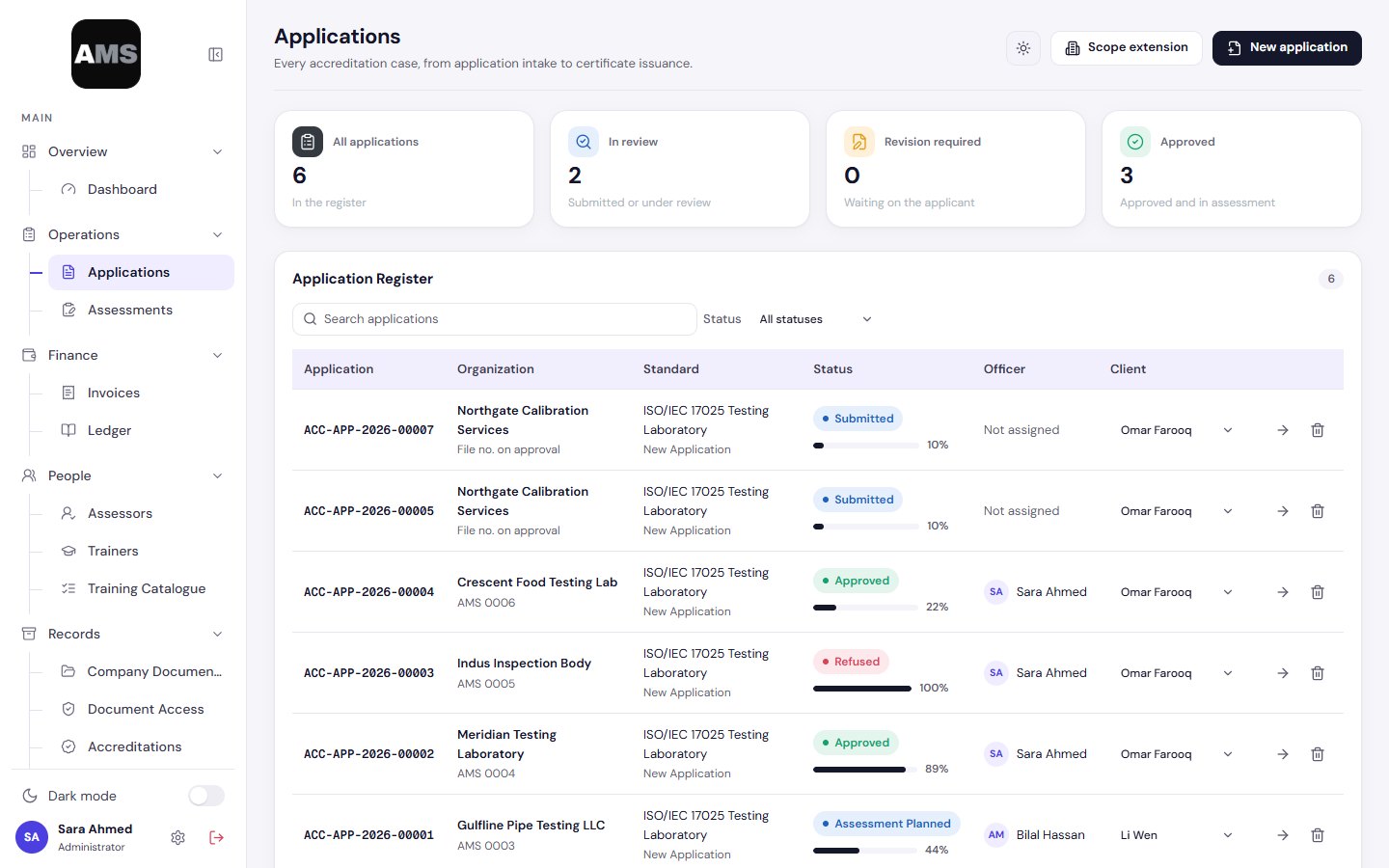
The client uploads the documents each standard requires and submits them for review, from their own view of the case.
Documents are reviewed and either accepted or sent back with a note. Sending back reopens the client's step and keeps the history.
Plan the dates, method and team. The step closes on its own once every assessor has accepted and signed the engagement form.
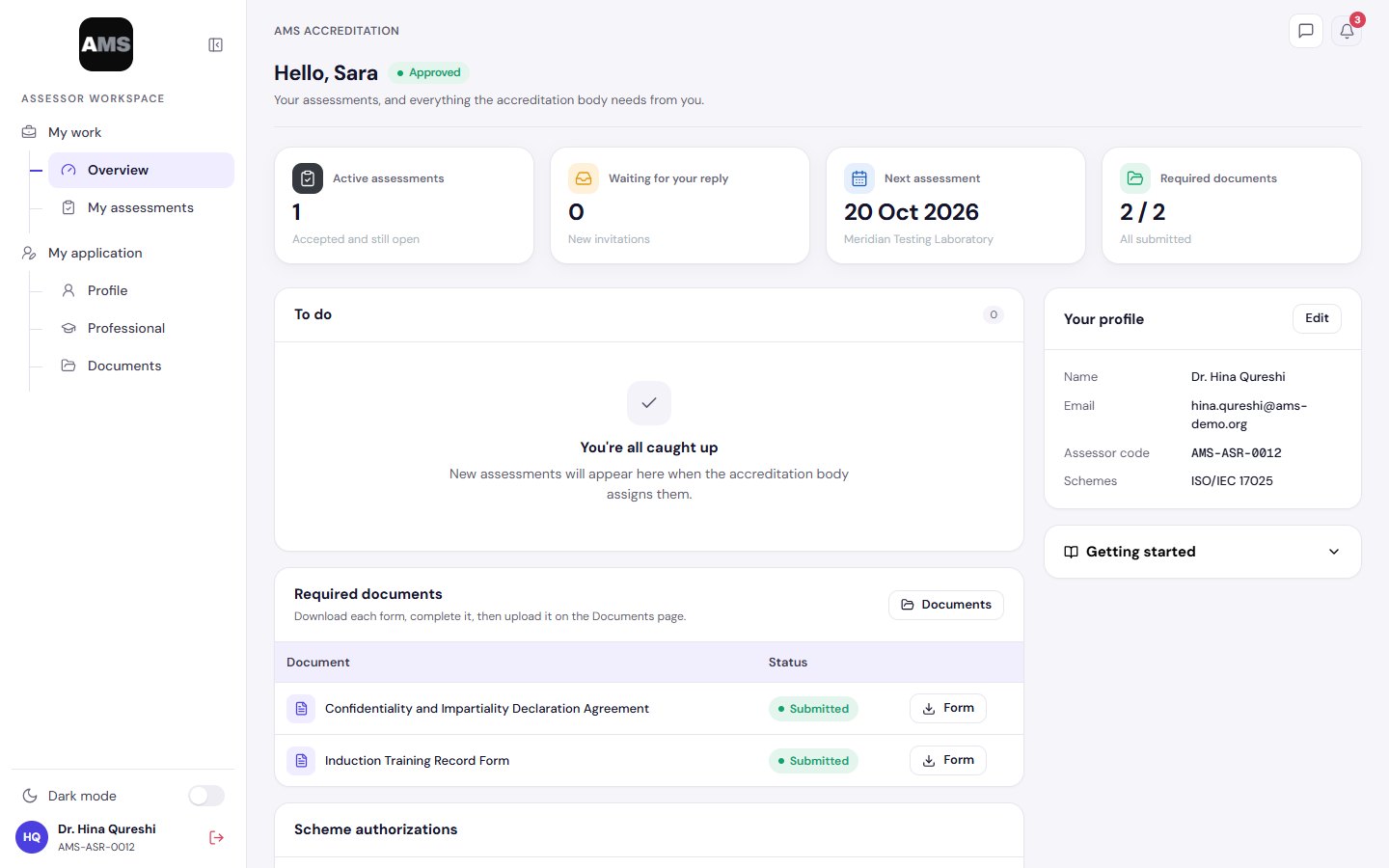
The assessor works from their own workspace: the report in the editor and the findings raised as draft NCs, ready for the office to issue.
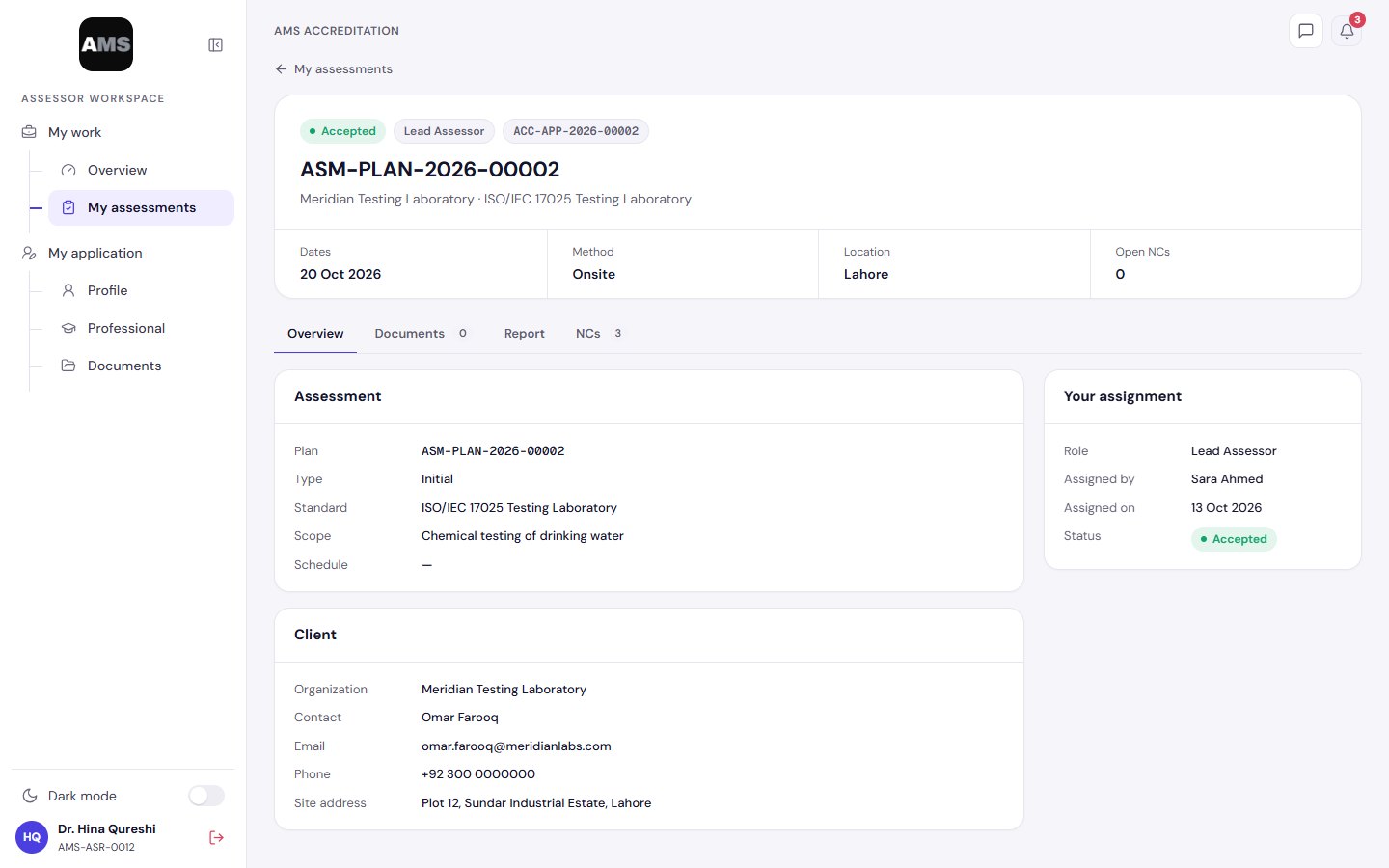
The client answers each NC with root cause, corrective action and evidence. Rejected answers open a new round; the step closes when every NC is resolved.
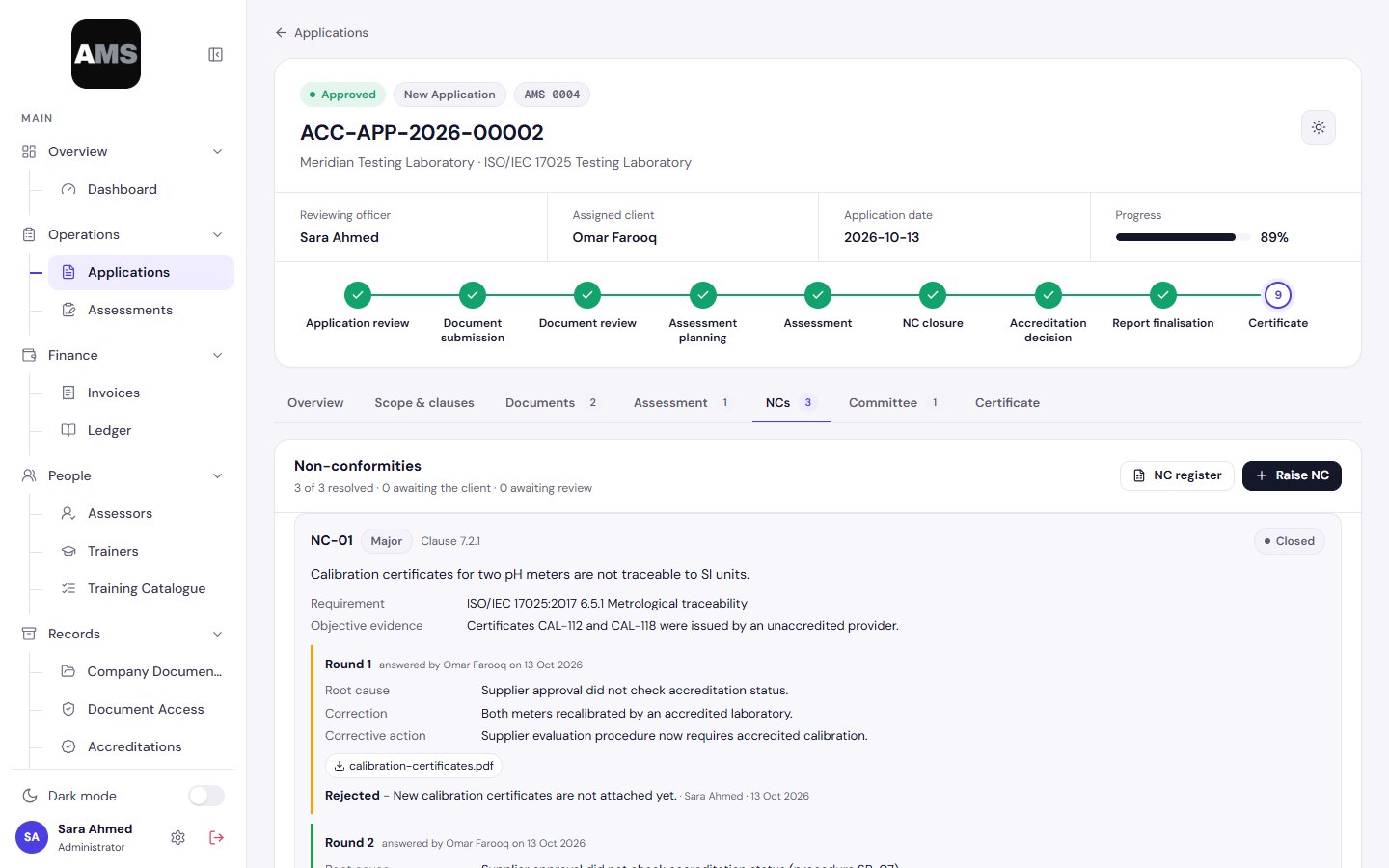
Seated members review a read-only pack, declare no conflict and vote. The decision closes under your rule: majority, unanimous or chair.
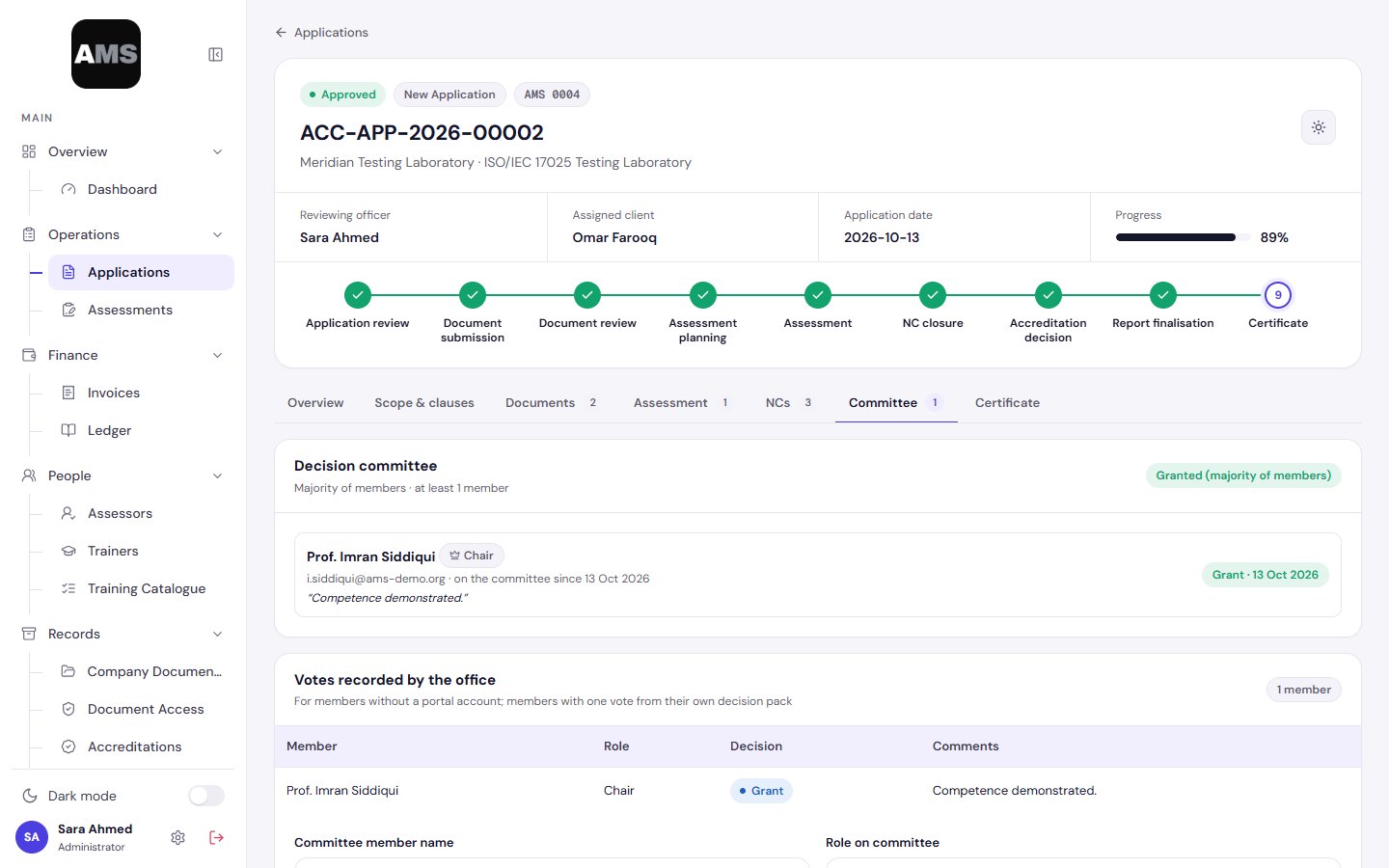
The file manager completes the final report, with every version kept against the step that produced it.
A certificate per standard with its accredited scope. Issuing the last one completes the case and starts its accreditation record.
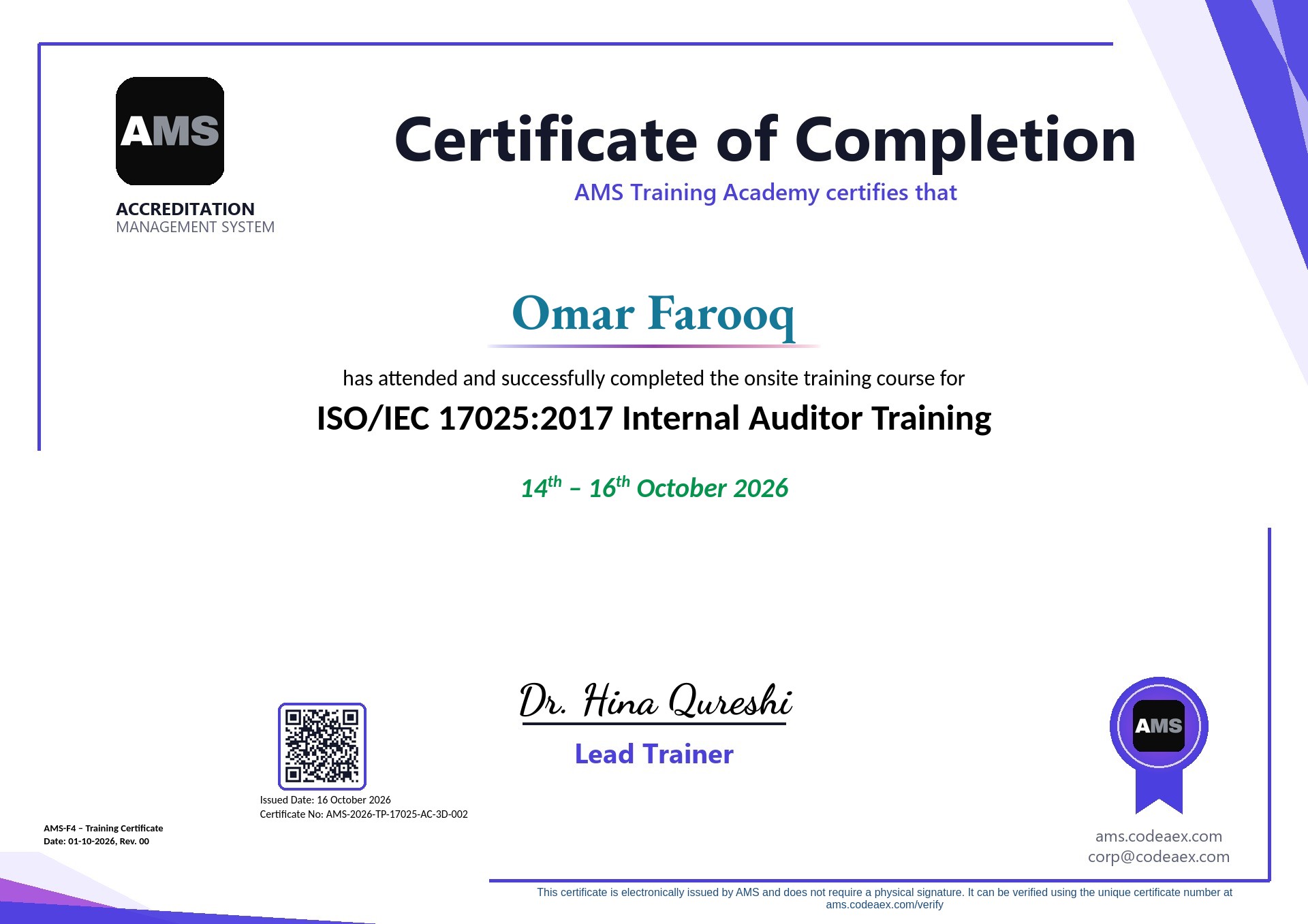
Graded NCs with due dates, drafts kept from the client until issued, and every round of root cause, corrective action and evidence on record.
Seat members per case, block anyone who worked on it, and let the votes close the decision.
One certificate per standard with its scope, then an accreditation record that tracks expiry and opens surveillance and reassessment cases when they fall due.
Schemes and scope tables, application forms, workflow steps, NC grades, committee rule and certificate templates, without code.
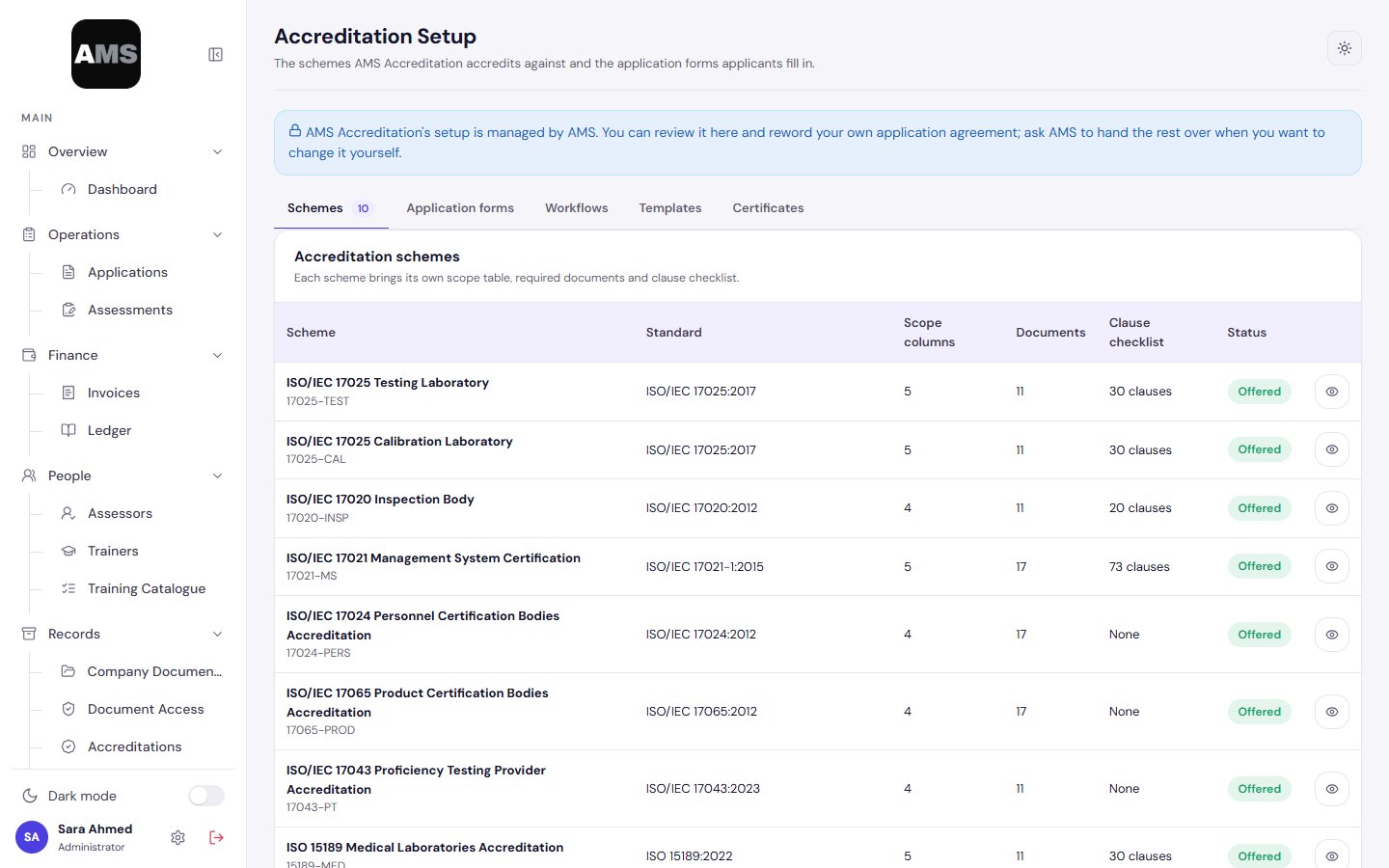
Assessors apply, keep their file current and work on the cases they accept: details, the report and the NCs they raise.
We create your workspace and invite your administrator. Your schemes and forms start from our templates.
Adjust forms, workflow steps, NC grades and certificate templates to your procedures.
Add your office team, share the assessor workspace link and let clients apply online.
Cases move step by step, with the audit log and registers kept for you.
Each accreditation body's records, documents and history stay in its own workspace.
People see only the areas their role allows; clients and assessors see only their own cases.
Every change records who made it and when, with filters and CSV export for auditors.
Accounts are created by invitation, with password reset by email.
Assessor and trainer registers for competence management.
The full accreditation lifecycle, from application to certificate.
For national bodies and networks that need scale and governance.
Prices in USD, excluding local taxes. Annual billing saves 15%.
Yes. Each body builds its own forms in Accreditation Setup, with versions, so a change never disturbs applications already submitted.
AMS starts with ISO/IEC 17025, 17020, 17021-1, 17024, 17065, 17043, 17029, ISO 15189 and Halal schemes. You can add your own schemes and scope tables.
Yes. Rename, reorder or remove steps per application type, and set who is responsible and how many days each step allows.
The client sees an NC only once you issue it, answers with root cause, correction, corrective action and evidence, and can answer again in a new round if it is not accepted.
You seat members per case. Anyone who worked on the case is blocked, members declare no conflict of interest, and the votes close the decision under your rule.
No. Clients see only their own cases and assessors only the assessments they accept, each in a guided view.
No. Each body works in its own workspace, and access inside it follows roles and modules.
They stay attached to the case or record they belong to, with versions, access levels and an audit trail.
Yes. Upload your own Word certificate and scope templates per standard; AMS fills in the number, scope and dates.
Yes, on Professional. Raise accreditation and training invoices with your own numbering, and track what is paid and outstanding in the ledger.
It depends on how much you tailor. In the first call we agree an onboarding plan with dates: your workspace, your forms and steps, then inviting your team.
Yes. We help import your clients, assessors and current accreditations as part of onboarding.
We set up a workspace with your schemes and walk your team through a real case.